
 Exchange Rate
 Chat to Support

 ភាសាខ្មែរ


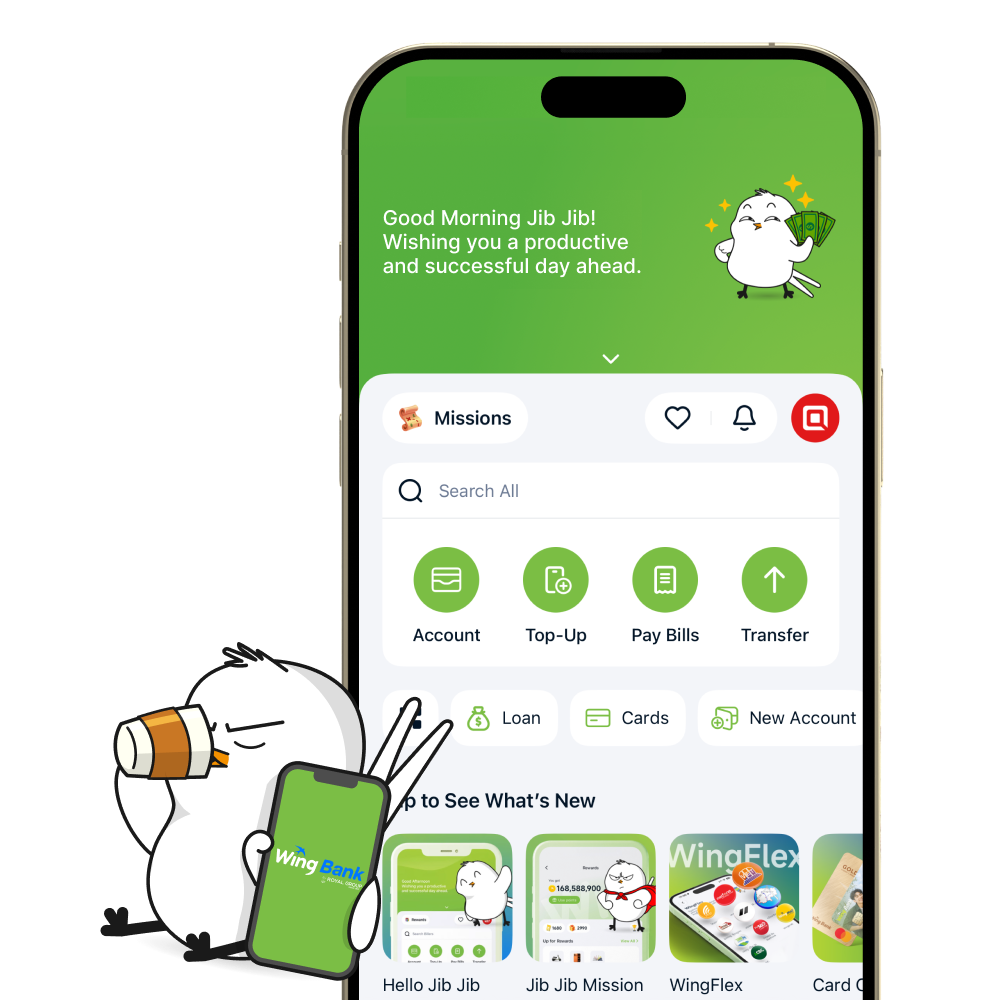
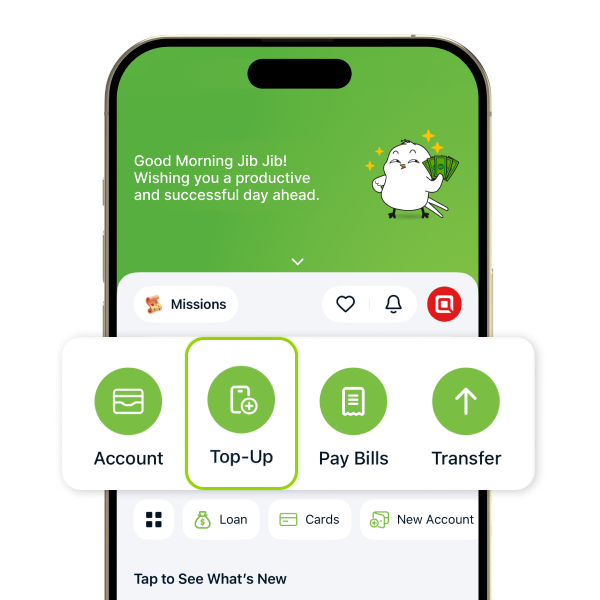
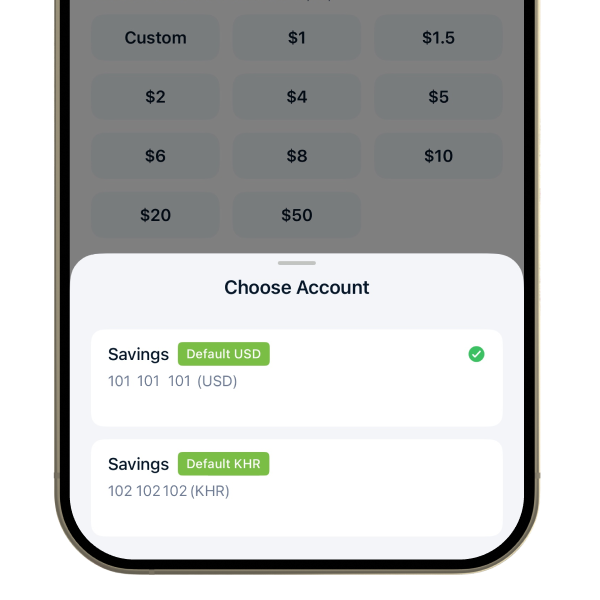
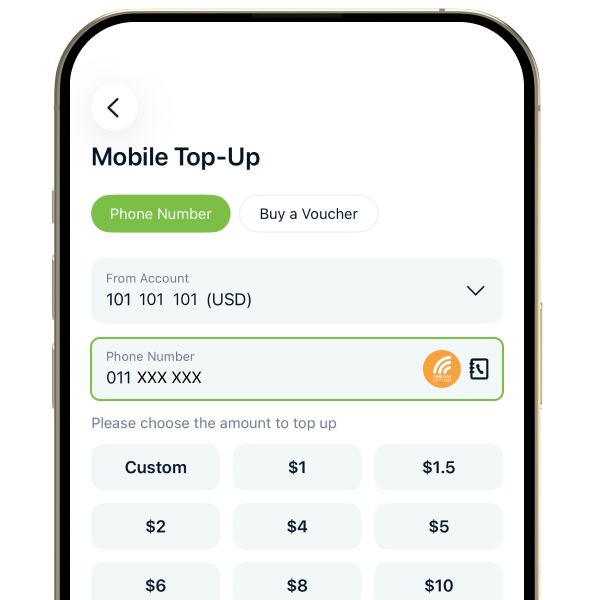
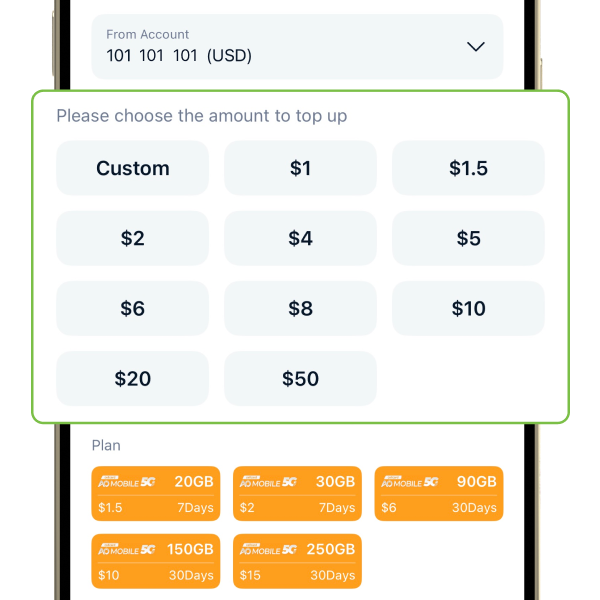
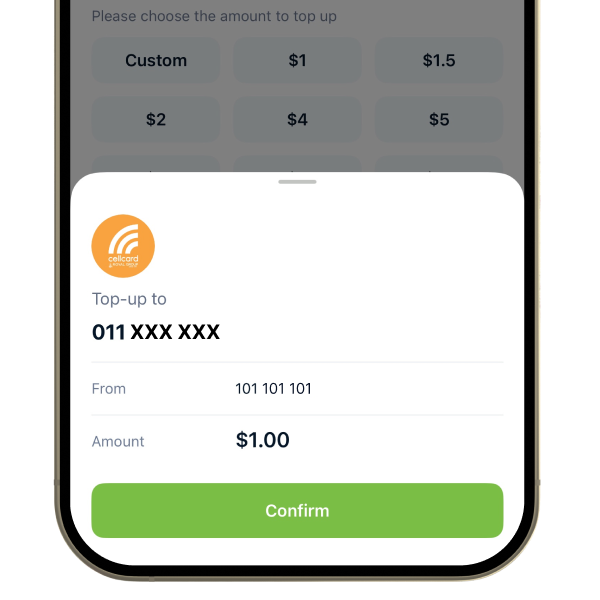
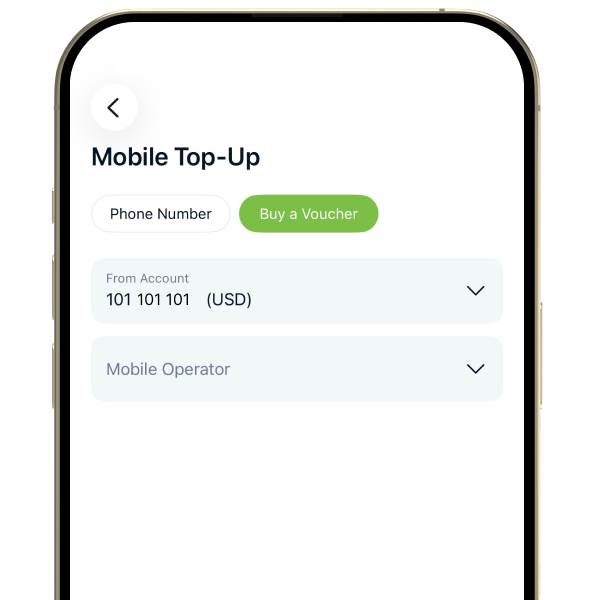
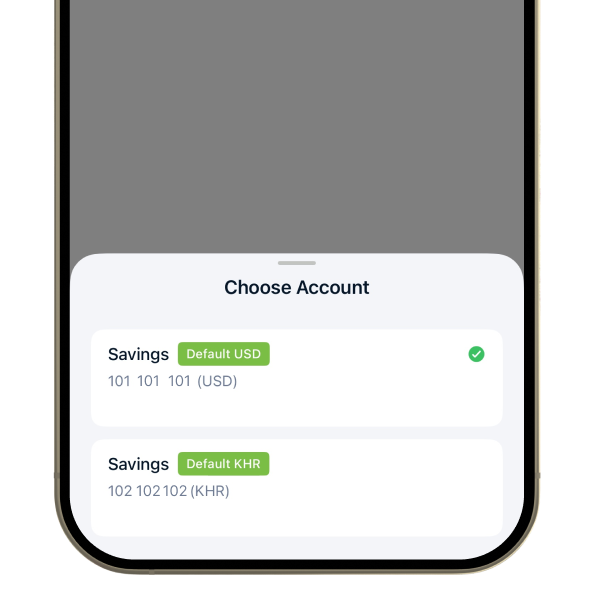
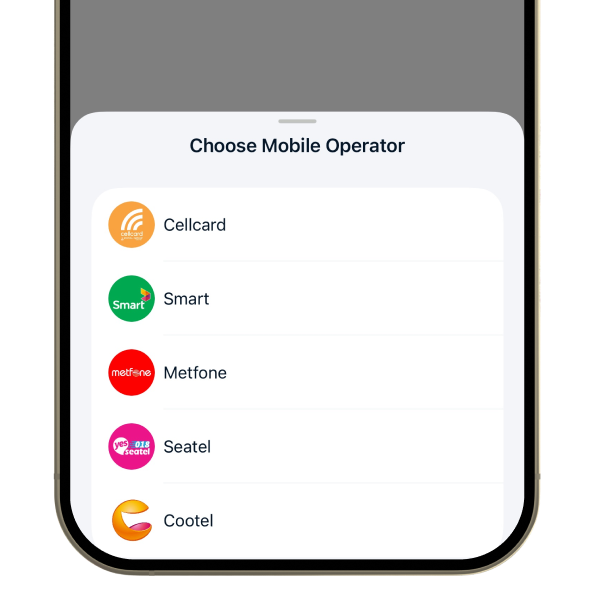
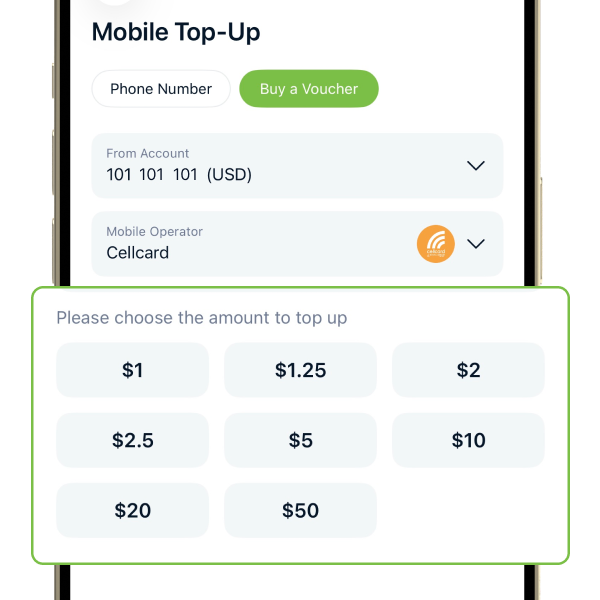
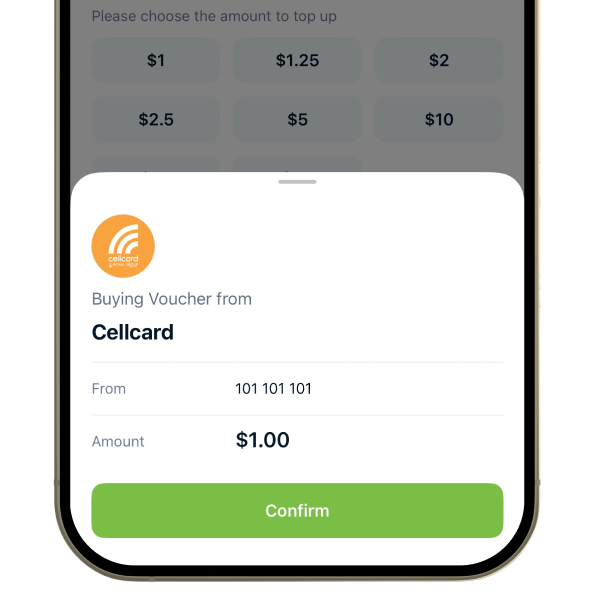
Boost your phone top-up experience with the Wing Bank app. From effortless PIN-less top-ups to voucher purchases, we've streamlined the process for you. Say goodbye to PIN code hassles and enjoy a quick, secure, and user-friendly top-up. Download the Wing Bank app today to rediscover the simplicity of phone balance replenishment.












 Support