
 Exchange Rate
 Chat to Support
 ភាសាខ្មែរ


Shop for the things you want today and spread your purchase over easy monthly installments—all through the Wing Bank App.


Accounts & Savings
Loans & Insurance
Cards
Money Transfer
The Wing Identity
Insights & Impact
Access & Services
Security Awareness Center
Payments & Transfers
Rewards & Lifestyle
Support & Chat
Quick Links
Get what you want today. Pay over time. Welcome to Split Pay, Wing Bank’s new Buy Now, Pay Later solution.

Shop for the things you want today and spread your purchase over easy monthly installments—all through the Wing Bank App.

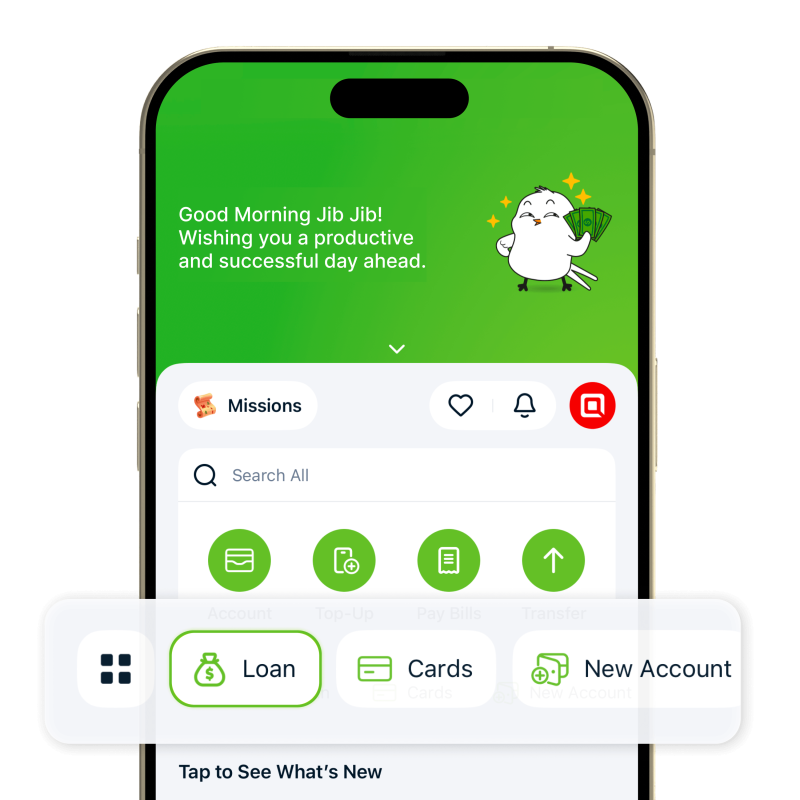
→ Loan page to check your available credit and eligibility for Split Pay.
Please note: Eligibility and approval are determined by the system. Not every application will be approved.

Split Pay is currently available at selected merchant partners.

Scan the QR code to explore participating merchants and locations where Split Pay is available.
| No. | Store Name | Google Map |
| 1 | KimSe Phone Shop | View on Map |
| 2 | iOne Co.,LTD | View on Map |
| 3 | Firady Smart Phone | View on Map |
| 4 | Seang Lin Phone Shop | View on Map |
| 5 | Chanda Electronic | View on Map |
| 6 | KM Center Trending Co.Ltd | View on Map |
| 7 | Apple Bek Chan | View on Map |
| 8 | Apple Kambol | View on Map |
| 9 | Apple Troul Pong Ro | View on Map |
| 10 | Apple Chaom Chao | View on Map |
| 11 | Knea Yeung Kampuchea Krom | View on Map |
| 12 | Apple National Road 3 | View on Map |
| 13 | Apple Steung Meanchey | View on Map |

Get the phone you’ve been eyeing.

Upgrade for work, study, or everyday life.

Pick up the tech you’ve had on your wish list.
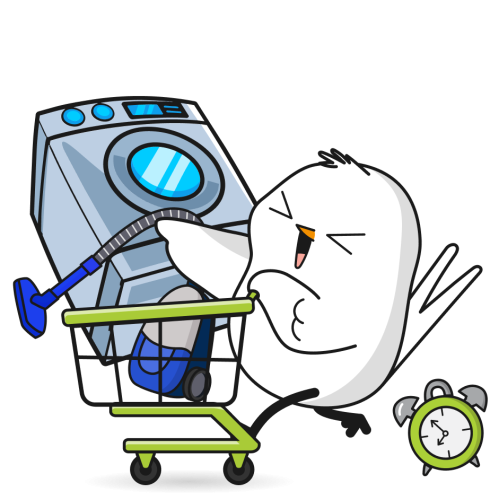
Bring home what you need without paying the full amount upfront.
With Split Pay, you can shop today and pay over time with easy monthly installments.
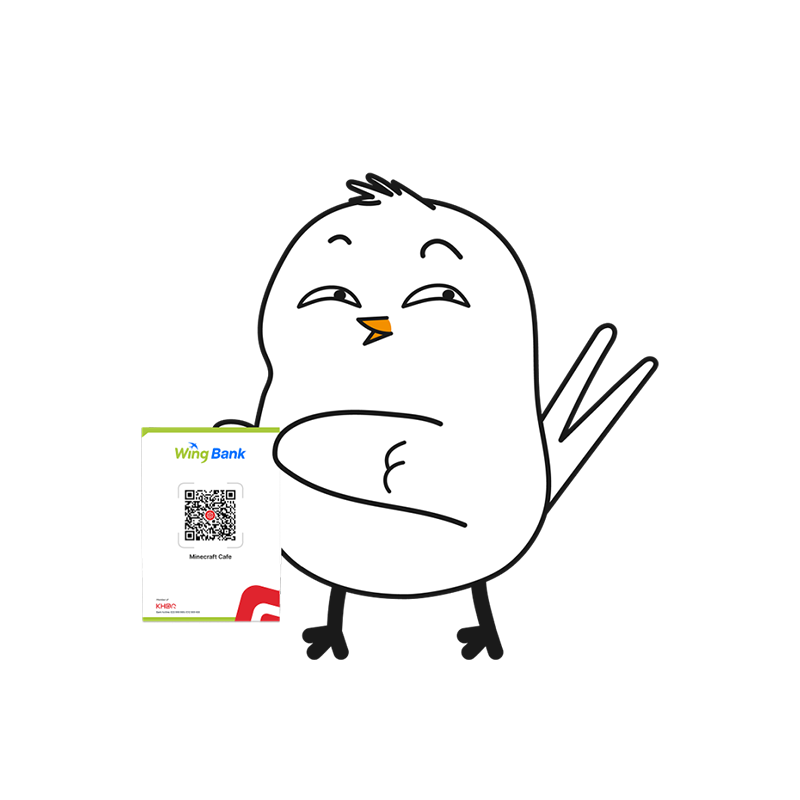
Visit a participating merchant and choose what you want to buy.
Find something you want? Scan the Merchant QR and see what Split Pay can do for you.
Choose an available installment plan that works for you and complete your Split Pay purchase.
Once your purchase is successfully completed, take your item home the same day.
Make your monthly repayments conveniently through the Wing Bank App.





 Support