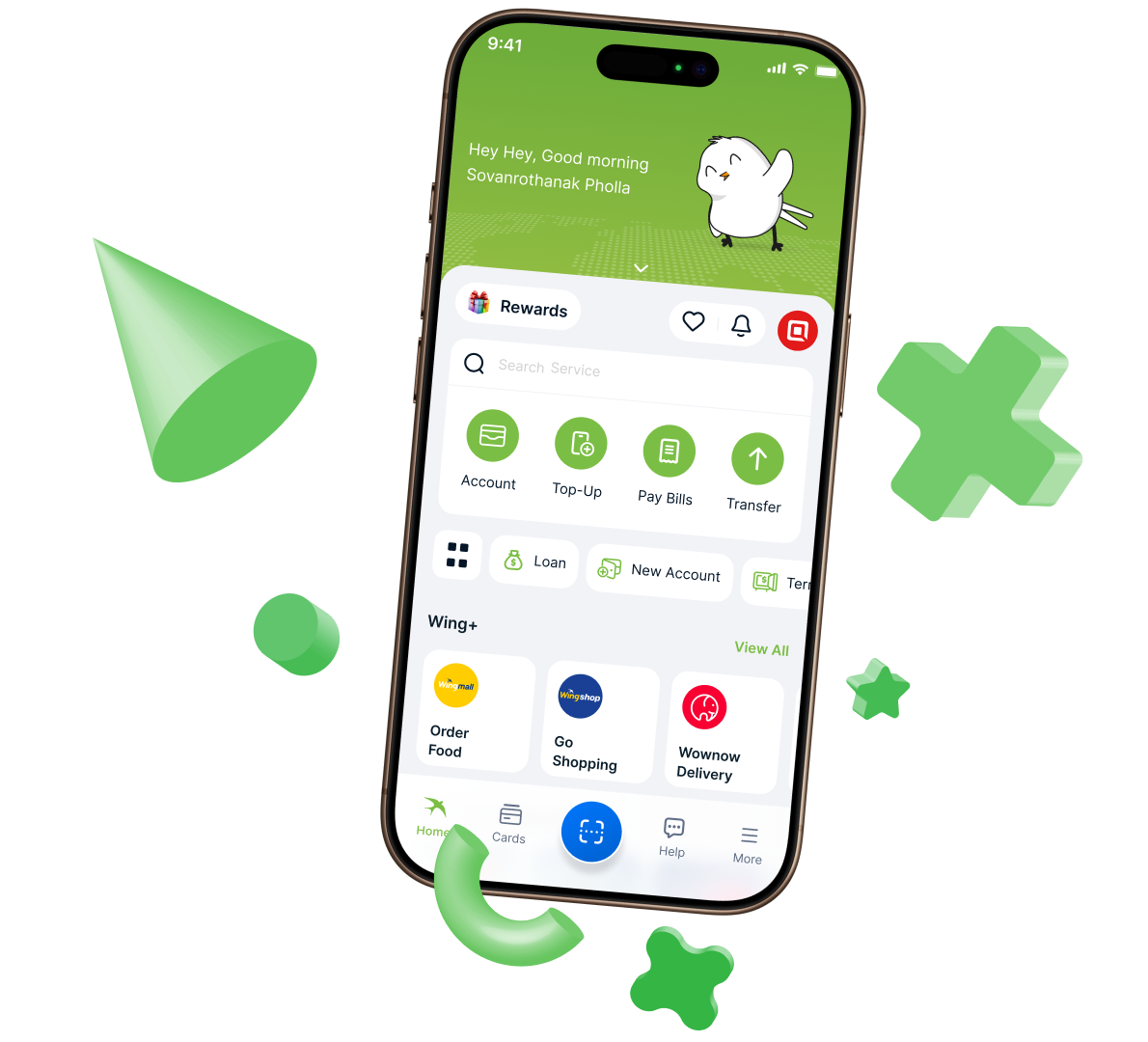

Open Your New Wing Bank Account on Your Phone


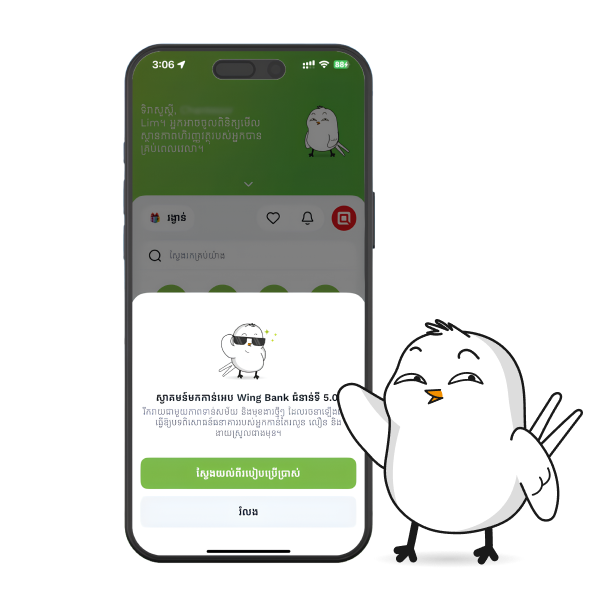
Opening a new Wing Bank account is now easier. You can register directly through Wing Bank App without visiting a branch first. 

When you open your account, you can get both Khmer Riel and US Dollar accounts and set your preferred account as your default account for everyday use.
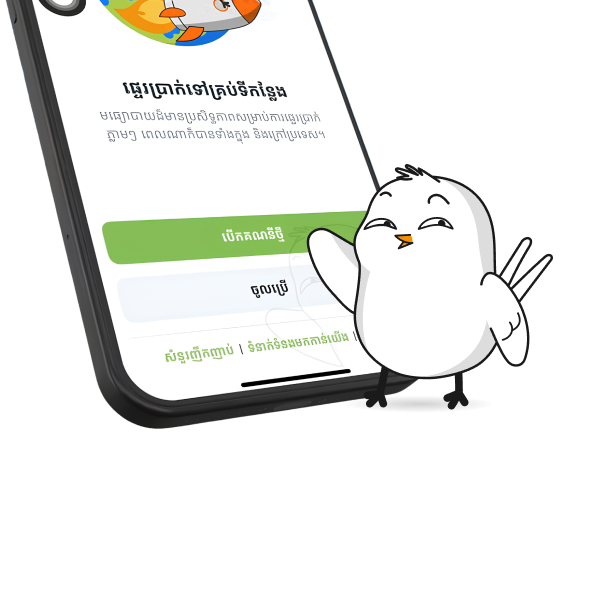
 

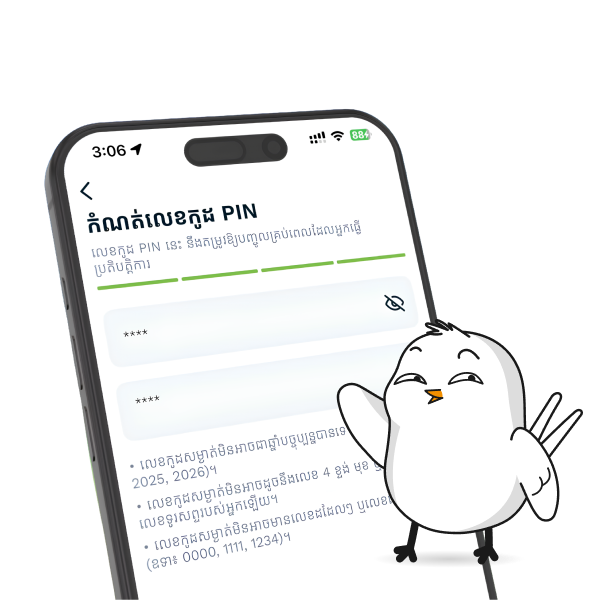
You can also access your account conveniently with your 4-digit PIN code or biometric scan.

Open a Wing Bank Account Now

How to Open Wing Bank Account


Follow these simple steps to open your account through Wing Bank App:


  • Download Wing Bank App from the App Store 
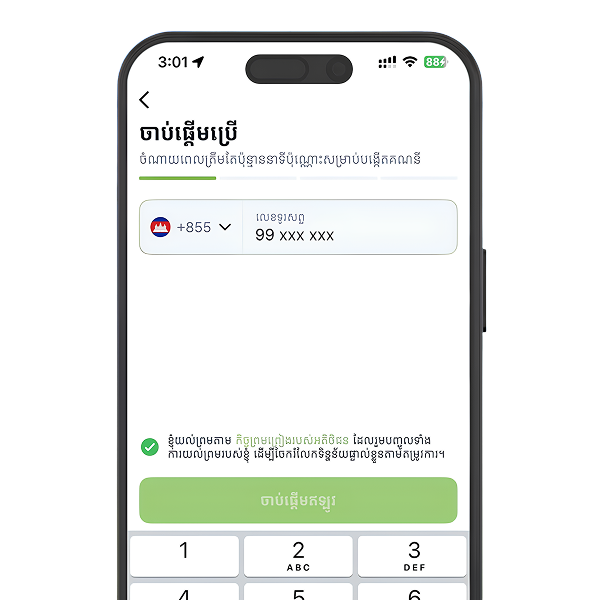
  • Select Open New Account. 
  • Enter your phone number. 
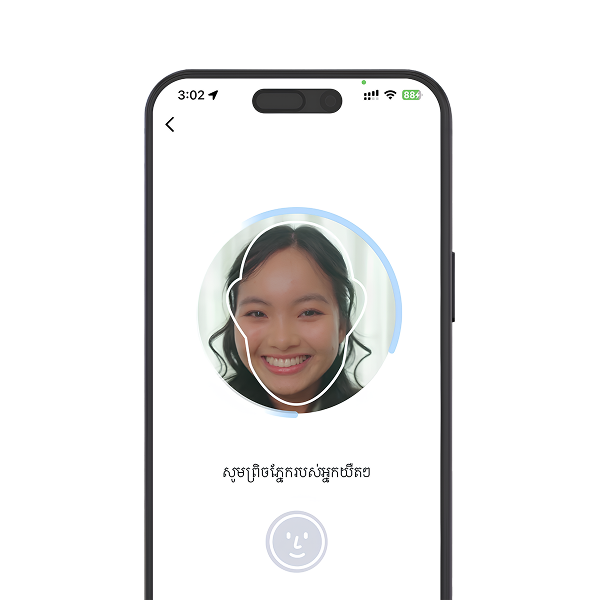
  • Take your photo. 
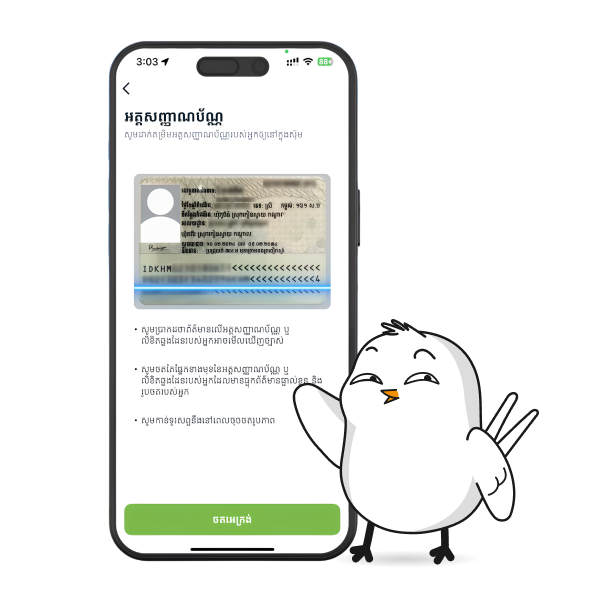
  • Scan your Cambodian ID or Passport. 
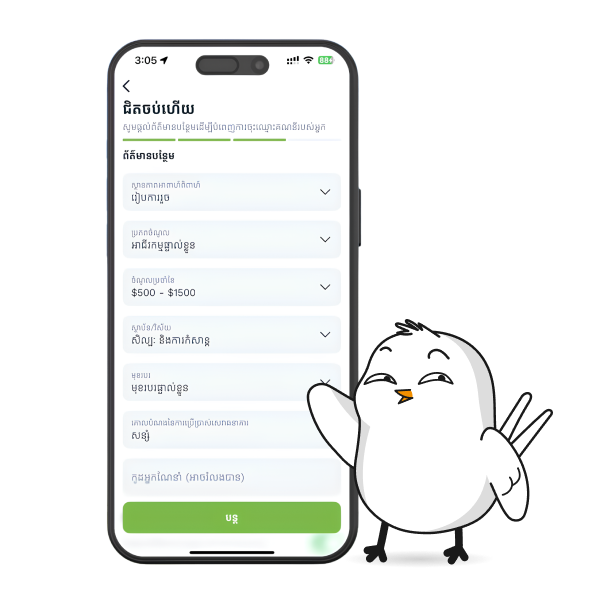
  • Confirm your information. 
  • Select currency. 
  • Create your 4-digit PIN code. 
  • Start using your Wing Bank account. 


Upgrade Your Account to Full KYC


Some services and features may not be available with a basic mobile account. To get full access to Wing Bank services, you can upgrade your account by completing Full KYC. 

How to Upgrade Your Account to Full KYC

Prepare your Cambodian ID or Passport

Visit the nearest Wing Bank branch or Wing Agent

Inform the staff that you want to upgrade your account to Full KYC or full service access

Once completed, you can enjoy more features and access more Wing Bank services


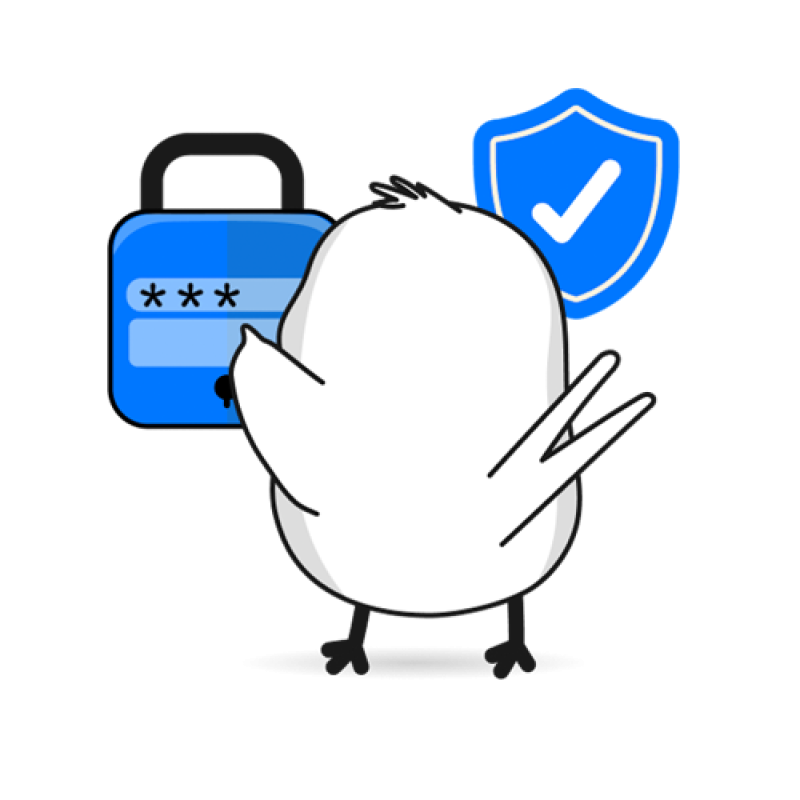
Keep Your PIN Code Safe


  • Your PIN code is made up of 4 digits. You will need it to access your Wing Bank account and use services that involve your money. 
  • Your PIN code allows you to log in again on a new device, transfer money, make payments, and buy things with your Wing Bank account. 
  • Do not share your PIN code with anyone. If someone knows your PIN, they may be able to access your account and use your money. 


Always keep your PIN code safe and secret.

Use Your Primary Phone Number


  • Your phone number plays an important role in your Wing Bank account, especially when you change your device or need to access your account again. 
  • Always use your primary phone number when registering your account. This helps keep your account safer and makes it easier to access your banking services anytime.


Do not share your Wing Bank OTP code with anyone.

Ways to Deposit Money to Your Account

Once your account is opened, you can deposit money and start using it for transfers, payments, savings, missions, rewards, and other Wing Bank services. Here are 4 easy ways to deposit money into your account:

Receive from a friend

Ask a friend who uses Wing Bank App to transfer money to your account.

Use a Cash Recycling Machine

Visit the nearest Cash Recycling Machine location to deposit money into your account.

Visit a Wing Bank branch

Go to the nearest branch and inform the staff that you want to deposit money into your account.

Visit a Wing Agent

Deposit money at any Wing Agent location. Wing Bank has more than 12,000 locations available for customer services.

Get Yourself an Additional Account

After opening your Wing Bank account, you can also use other account options in Wing Bank App to help manage your money better

Save for a Goal

Save for a Goal helps you save money toward something important to you. Whether you want to save alone or as a group, you can manage your saving goal directly through Wing Bank App and enjoy a higher interest rate

Term Deposit

Term Deposit is another way to make your money work for you. You can open a Term Deposit account, keep your money for a selected period, and watch your savings grow. You can open it easily through Wing Bank App in just a few taps

Wing Bank App

Bank Smarter. Live
Easier.

Everything you need — saving, loans, transfers,
and payments — in one powerful app.

Download Now