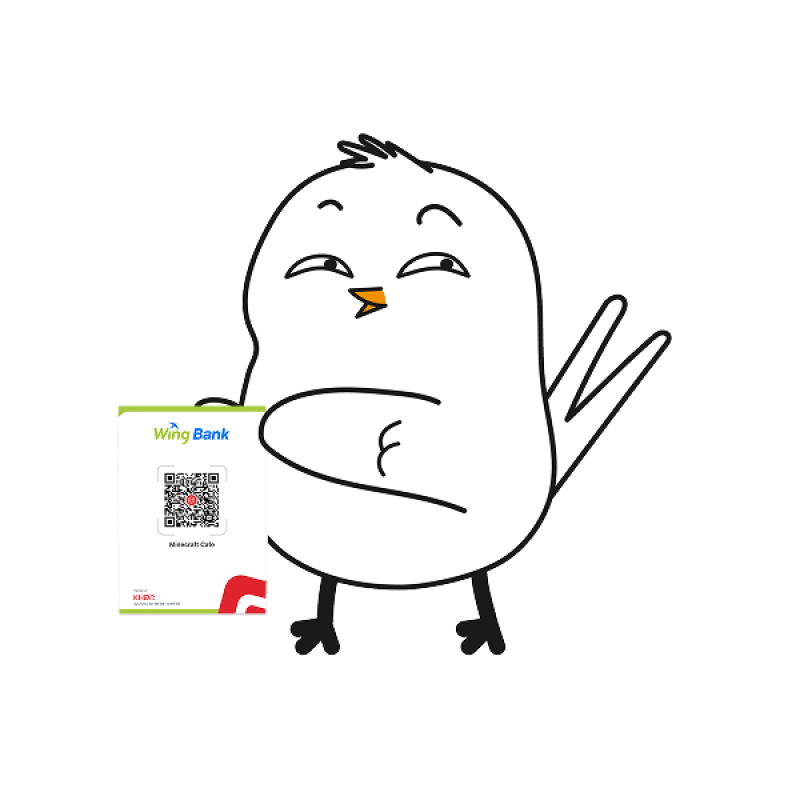

Pay Easily with UPI via Wing KHQR 


Enjoy a familiar and convenient way to pay while travelling in Cambodia. 


Whether you are dining, shopping, or exploring, simply look for Wing Merchant KHQR, scan it using your supported UPI app, review the payment details, and confirm your payment. 


The merchant will receive the payment directly in Khmer Riel (KHR). 



Why Pay with UPI via Wing KHQR?

Use Your Supported UPI App

Continue using a supported UPI app from India without downloading another payment app.

Pay Without Carrying Large Amounts of Cash

Enjoy convenient cashless payments while travelling around Cambodia.

Automatic Currency Conversion

Pay through your UPI app while the merchant receives the payment in Khmer Riel (KHR).

Review Before You Pay

Check the payment details before confirming your transaction.

Get Payment Confirmation

Receive confirmation once your payment is successfully completed.

How to Pay 


1. Open 

Open your supported UPI app. 


2. Scan 

Scan the merchant’s Wing KHQR. 


3. Review 

Check the payment details shown in your UPI app. 


4. Pay 

Confirm the payment through your UPI app. 

Where Can I Pay? 


Look for Wing Merchant KHQR at participating shops, restaurants, and other merchants while travelling in Cambodia. 


When you see Wing Merchant KHQR, simply open your supported UPI app, scan the QR code, and pay. 

Explore Cambodia. Pay the Familiar Way.

From meals and shopping to everyday purchases during your trip, UPI on Wing KHQR gives you a convenient way to pay using a supported UPI app you already know. 


Look for Wing Merchant KHQR and scan to pay.